PRIVATE BETA · APPLICATIONS OPEN FOR REAL COMPANY MISSIONS Apply for an active beta workspace
SEE NEXUS WORK

Do not just read the promise.
Watch the mission unfold.

A Nexus mission shows the operational chain in order: authority, secure connections, a before-state checkpoint, inspection, action, verification, decisions and project history.
MISSION CONTROL

Choose a workflow and watch it run.

Twenty business cases use the same reusable Nexus mission screen. Choose a case and the page moves directly to the live mission runner, where the operational steps begin.

Choose any workflow. The page moves to Mission Control and starts the operational replay automatically.

NX-2416Accounts Payable Intake · Document operations
Eleven exceptions ready
Owner Purchasing administration Authority Extract and update high-confidence facts · preserve source documents Elapsed 09m 16s RUN THIS IN YOUR COMPANY
OPERATIONAL LOGICWhat Nexus is actually doing behind the mission.
01Interpret & authoriseDefine which facts, documents, records and references belong to the mission.
02Connect & inventoryOpen the authorised files, document sources, business records and destination workspace; create a source register.
03Read & classifyExtract facts, compare versions, identify entities and separate current content from legal or historical references.
04Preserve & updateKeep originals and source links, create a before-state record and write only supported changes.
05Re-open & verifyRead the changed documents and business records again; check traceability, consistency and unresolved contradictions.
06Attach the evidenceStore originals, accepted changes, source references and decisions in the project record.
MISSION ACTIVITYConnections, inspection, actions and proof in one operational record.
15 / 15 events
YouObjective

Process the new supplier documents. Add clear facts to the correct records, keep the original files attached, and ask me about missing or contradictory values instead of guessing.

COMMANDProject objective
2%
CoordinatorUnderstanding

I understand the requested outcome. I am fixing the scope, constraints, authority and evidence required before work begins.

INTERPRETScope · constraints · authority · success test
7%
Access ControllerAuthority mapped

Confirmed that original files are read-only and that only approved business fields may be updated. Conflicting or missing values cannot be invented or overwritten.

AUTHORISEProject permissions · capability scope · blocked actions
12%
Connection ManagerConnecting

Connected the approved intake folder and business database. All 126 source documents were assigned stable references before reading began.

CONNECTIntake folder + Document reader + Business database
18%
Checkpoint WorkerCheckpointing

Recorded file hashes, source dates, page counts and current record values so every extracted fact retains its evidence chain.

CHECKPOINTEvidence links
24%
Document ReaderInvestigating

126 incoming supplier documents were indexed with their originals, source dates and intake metadata.

LOAD CONTEXTProject rules · history · accepted decisions
30%
Environment ExplorerReading environment

The document worker is reading pages, extracting identifiers and totals, and matching suppliers, products and references against existing records with confidence thresholds.

INDEXFiles · pages · records · linked business data
37%
Entity MatcherInvestigating

Supplier identity, invoice references, product codes, dates, amounts and contractual fields were extracted and matched to business records.

DISCOVERAuthorised working environment
45%
Record WorkerPlanning

119 documents match existing records. 384 facts exceed the confidence threshold; eleven values are missing or contradictory.

PLANWork graph · normal cases · exceptions
55%
Record WorkerWorking

High-confidence facts were added to the correct records and each update retained a link to the exact source document and location.

EXECUTEAuthorised change set
70%
Evidence ReviewerChecking

The Evidence Reviewer sampled extraction, checked totals and confirmed that no original document or conflicting value was overwritten.

VERIFYResult against objective and project rules
84%
OversightAuthority check

The mission remains inside the approved scope and authority. Sensitive actions outside that boundary remain locked.

CONTROLPermission and scope boundary
91%
NexusDecision

Eleven exceptions are grouped by supplier with the conflicting fields and source pages visible side by side.

DECIDEHuman attention queue
97%
NexusEleven exceptions ready

Incoming documents became checked business records without losing their source evidence or inventing missing values.

RESULTVerified mission state
Project MemoryHistory updated

Mission scope, evidence, decisions, changes and verification have been attached to the project for the next command.

STOREProject history · evidence · decisions
ATTENTION QUEUEResolve document conflicts
VERIFICATION
  • Every applied fact links to an original document.
  • Document totals and key identifiers were cross-checked.
  • Conflicting values were not silently overwritten.
  • Original files remain unchanged and attached.
WHAT YOU ARE WATCHING

The screen now shows the operational logic, not only the final business summary.

You can watch Nexus confirm permission, connect to the authorised systems, capture a safe baseline, inspect files and records, perform the work, verify the outcome and stop when a real decision is required.

Authority is checked first

Read, prepare, write, publish and send permissions are confirmed for this mission rather than assumed.

Secure connections open visibly

The feed shows the website, SFTP, database, CRM, files or other authorised systems being connected and identified.

The before-state is preserved

Snapshots, hashes, exports or source records are captured before Nexus changes the working environment.

Inspection is visible

The mission shows Nexus traversing files, pages, tables, messages or records and building the real scope of work.

Work crosses the right systems

Specialist AI workers perform their parts while one coordinator preserves the original objective.

Verification closes the mission

Review, evidence, exceptions and the final result remain attached to project history.

NEXUS MISSION BUILDER

Start with an outcome in your own words.

Nexus maps the instruction to a project mission, identifies the major workstreams and keeps authority, decisions and verification explicit from the start.

NEXUS MISSION BUILDER

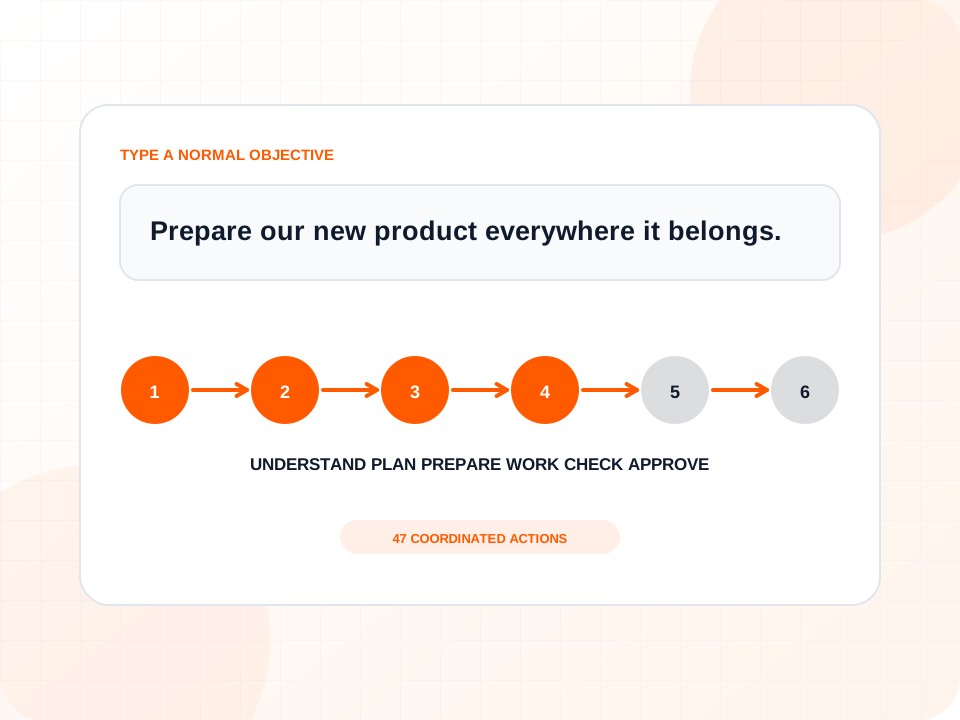
Give Nexus one objective.

OBJECTIVE MODE
MISSION PLAN

Website launch mission

Nexus interprets the request as a coordinated launch outcome rather than a list of unrelated website tasks.

1Understand business
2Load project
3Plan work
4Prepare and act
5Review
6Decision / result
ACTIONS ORGANISED47
HUMAN DECISIONS3
AUTHORITYPrepare + approval
Coordinator

Objective, scope and publication boundary understood.

Project Memory

Business rules, prior decisions and authorised systems loaded.

Nexus

Workstreams organised and verification plan attached.

  • Understand services, locations and customer goals.
  • Determine the required pages and conversion path.
  • Prepare content and visual requirements.
  • Build and check the working version.
  • Present the completed version for publication approval.
FROM WEBSITE PATTERN TO APPLICATION UI

The mission screen is designed as a reusable product component.

Its information model can be used directly inside Nexus for active missions, approvals, exception handling, mission replay and project history.

The public website uses the same concepts the application needs: a project, a pinned objective, authority, connected systems, role-based events, progress, a focused decision, verification and a final state.

Live operations

Follow a running mission across systems and AI roles.

Attention queue

See only the decisions and exceptions that need a person.

Mission replay

Review how a result was reached and which evidence supported it.

Project history

Continue later from the accepted decisions and changed environment.

ONE OBJECTIVE CAN CROSS THE COMPANY

Nexus preserves one definition of success while the work moves through different systems.

The user operates at the level of outcomes and decisions. Nexus coordinates the procedural work beneath them.

01Project memory
02Files
03Website
04Product data
05Commerce
06CRM
07Communication
08Review
09Approval
EXPLORE ALL TWENTY CASES

Each workflow has a detailed story behind the screen.

Open a case to see the business situation, command, mission structure, human role, result metrics and proof.
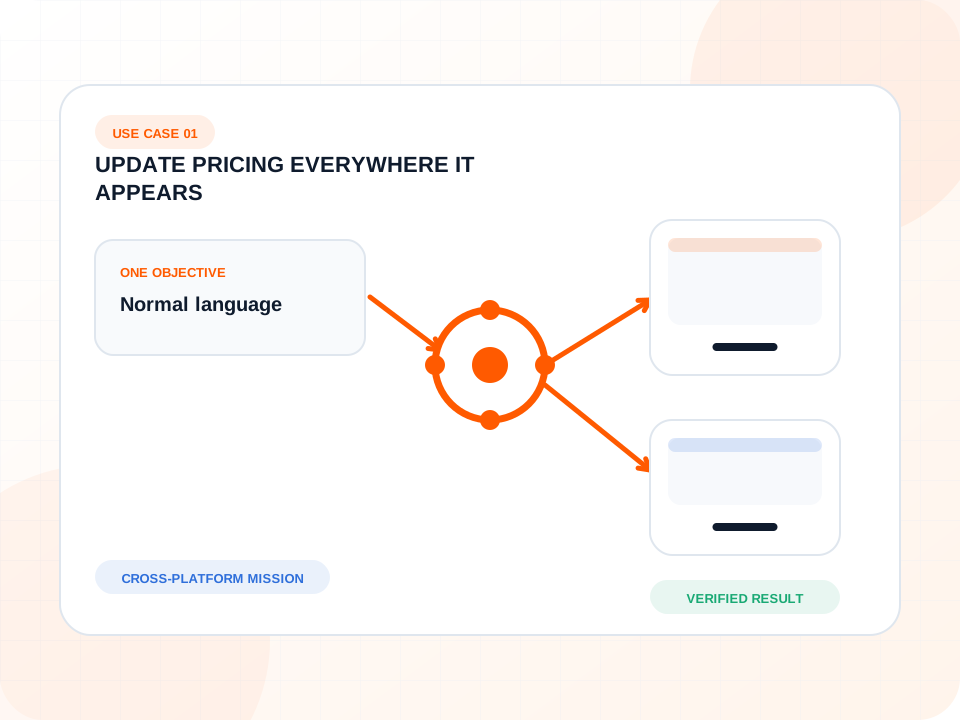
01Websites + commerce
NX-2401Waiting for approval

Update Pricing Everywhere It Appears

Change one accepted pricing rule across website pages, product data and sales material while preserving design and stopping on conflicts.

OPEN MISSION WORKFLOW
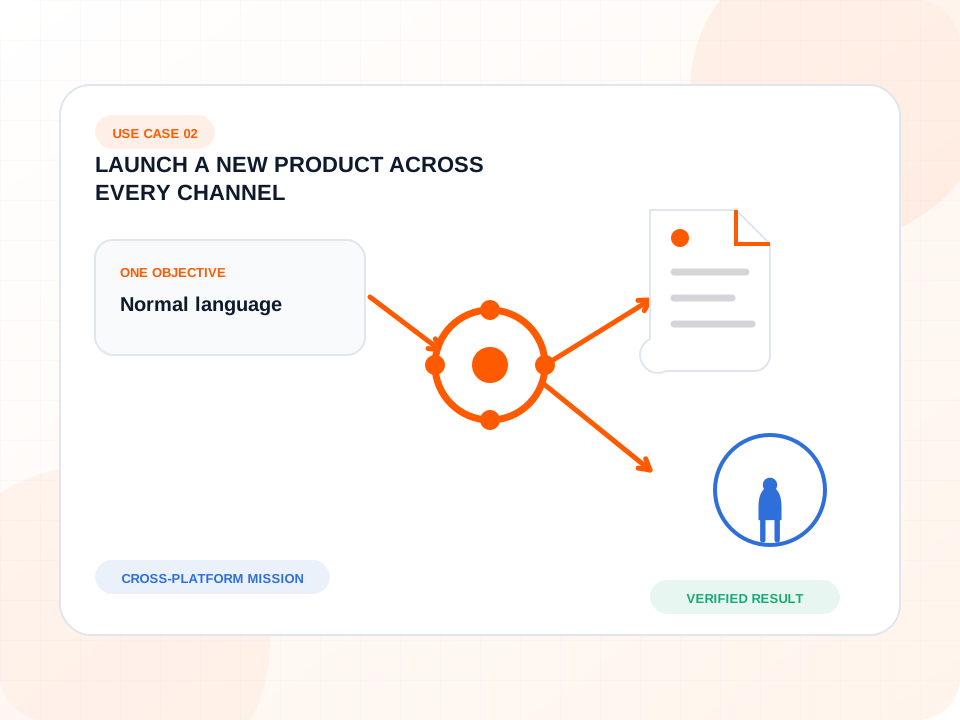
02Commerce + marketing
NX-2402Final approval

Launch a New Product Across Every Channel

Turn one launch instruction into coordinated product data, web pages, imagery, navigation, campaign material and a final approval package.

OPEN MISSION WORKFLOW
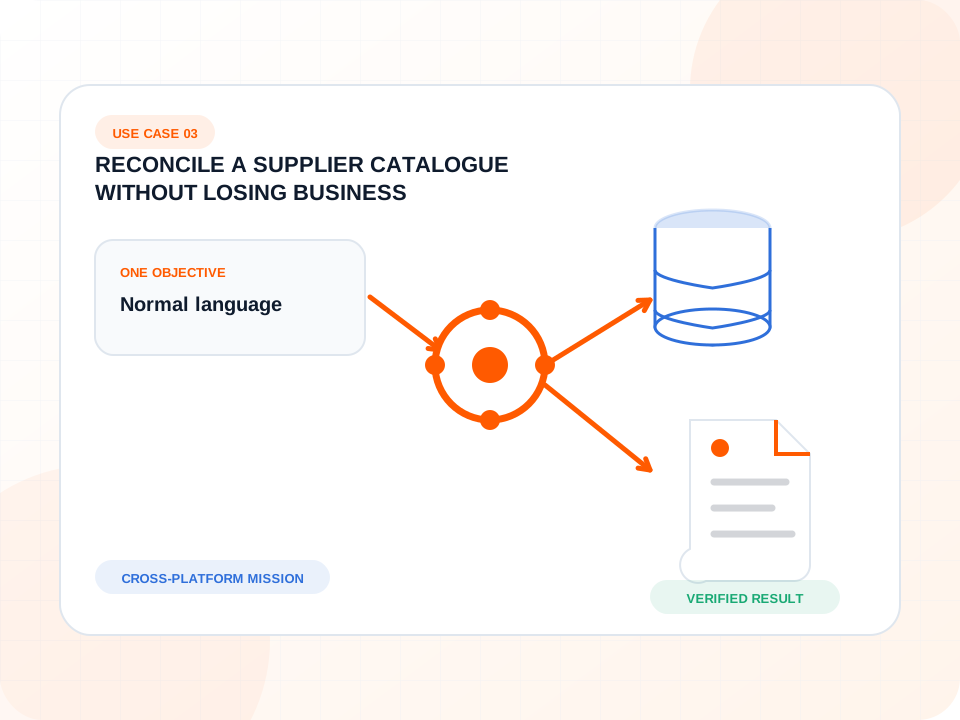
03Data + purchasing
NX-2403Review queue ready

Reconcile a Supplier Catalogue Without Losing Business Judgement

Compare thousands of supplier changes, apply safe updates and separate missing, conflicting or commercially unusual records for review.

OPEN MISSION WORKFLOW
04Website operations
NX-2404Completed

Keep a Portfolio of Websites Healthy

Check many sites, repair known-safe file and content issues, and return only the failures that genuinely need attention.

OPEN MISSION WORKFLOW
05Customer service
NX-2405Completed

Resolve a Customer Problem Instead of Merely Answering It

Connect the customer conversation to the order, inventory, policy, replacement workflow and confirmation so the issue actually reaches a result.

OPEN MISSION WORKFLOW
06Product development
NX-2406Publication approval

Build a Customer Configurator from Business Rules

Let the owner describe how customers should choose and what the price should do; organise the design, data, build and checking as one mission.

OPEN MISSION WORKFLOW

Which mission should Nexus run for your company?

Describe the desired result. Nexus organises the connected work and brings the genuine decisions back to you.